Examples
If you are producing documents of any kind and you want them to be read on mobile, you need Mobimag. Here are some recent examples produced by some of our users...
 Lifestyle Magazine
 Finance Magazine
 Business Magazine
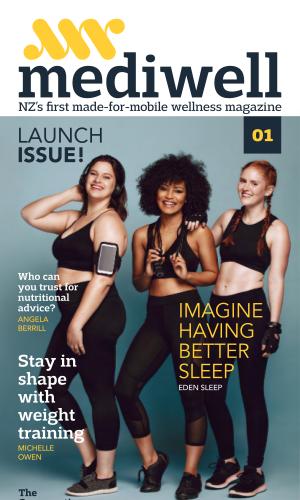 Wellness Magazine
 Property Newsletter
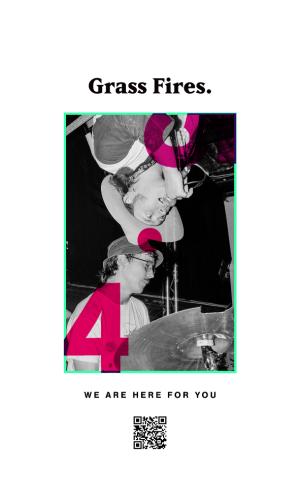 Grassroots Magazine
 Travel Brochure
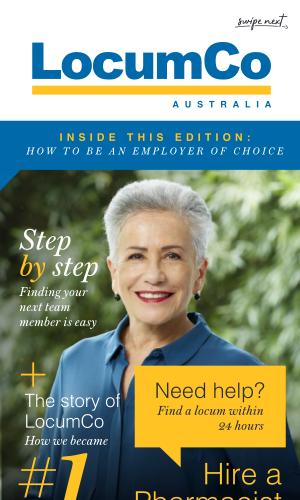 Company Magazine
 Cafe Menu
 Branding Guide
 Cookbook
 Lifestyle Magazine
 Cookbook
 Theatre Program
 Pet Magazine
 Childcare Magazine
 Health Magazine
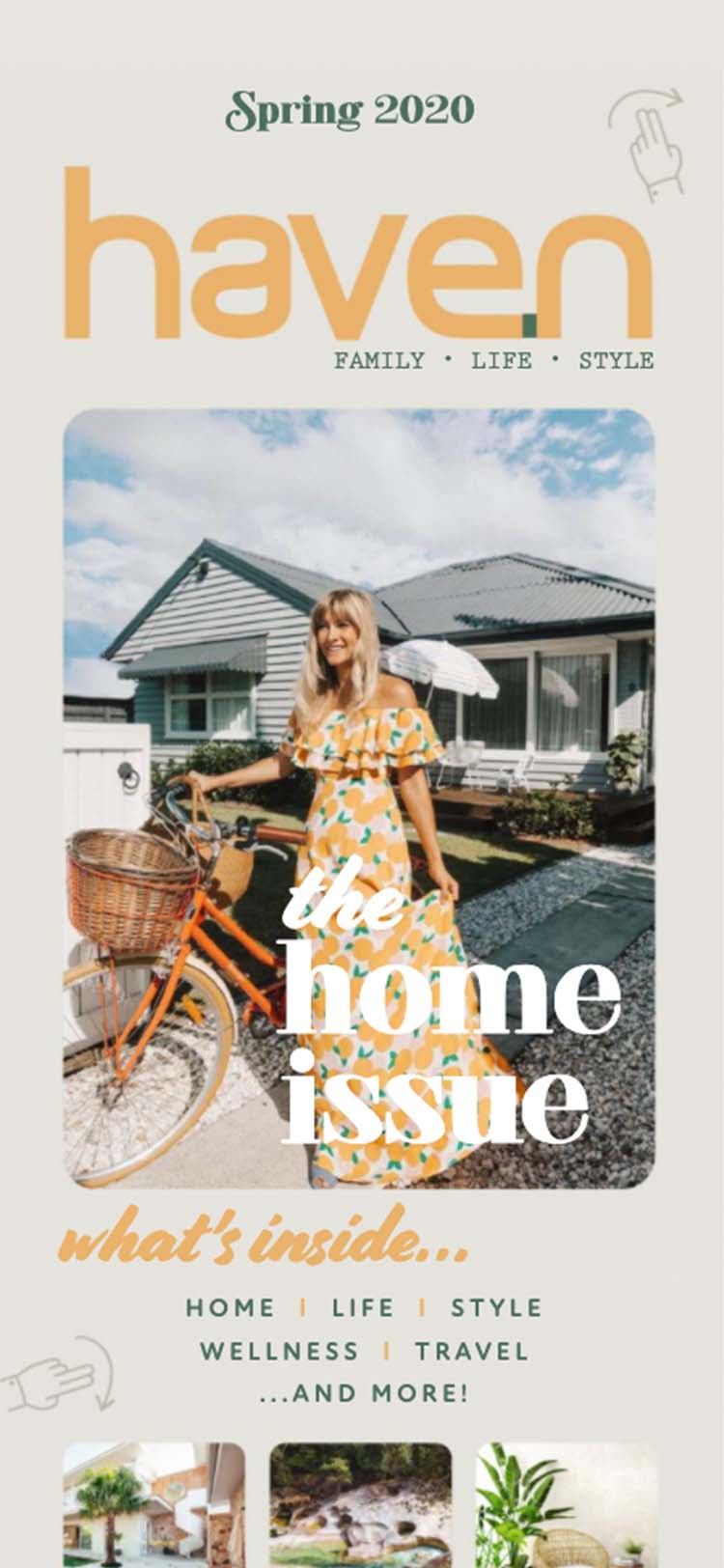
Introducing Mobimag...
You only need to look at trend lines to conclude that mobile is the future of publishing.
With Mobimag your publications look amazing on mobile. And for added benefit they look great on tablets and desktops too.
As a result, readers consume significantly more content. That leads to increased readership and, if you’re a business, more sales and more profit.
Why Choose Mobimag?
Made for Mobile
If 90% of the planet is on mobile, that’s where you need to be.
Works Everywhere
So users never have the wrong device, we work on all tablets & desktops too.
No Apps
Why force a user to install apps or software? All they need to do is click a link.
Easily Add Videos
Because it’s 2020, your Mobimag allows you to add Videos to your pages.
Build Your List
We enable you to embed sign up forms to help get more new subscribers.
Make Changes
Add, update & reorder pages after publishing.
One Design for Every Device
While Mobimag shines on mobile, we’ve made sure your publication still works on tablets and desktops too. That means, one design for every device.

“We are now switching our email newsletter to this format!”

“Mobimag is the platform I have been waiting for.”

“Mobimag is game changer for publishers. Love it.”

“Read an entire magazine on my phone. Never done that, ever!”

“Love the fact I can edit my document after it’s published.”

“Wow. I don't know why all magazines aren't like this.”

“This is the best tech product I have seen in a long time.”

“Mobimag is Amazeballs.”
“We are now switching our email newsletter to this format!”
“Mobimag is the platform I have been waiting for.”
“Mobimag is game changer for publishers. Love it.”
“Read an entire magazine on my phone. Never done that, ever!”
“Love the fact I can edit my document after it’s published.”
“Wow. I don't know why all magazines aren't like this.”
“This is the best tech product I have seen in a long time.”
“Mobimag is Amazeballs.”
“We are now switching our email newsletter to this format!”
“Mobimag is the platform I have been waiting for.”
“Mobimag is game changer for publishers. Love it.”
“Read an entire magazine on my phone. Never done that, ever!”
“Love the fact I can edit my document after it’s published.”
“Wow. I don't know why all magazines aren't like this.”
“This is the best tech product I have seen in a long time.”
“Mobimag is Amazeballs.”
Mobimag is Fast-Becoming the...
- New, Better Way to Design Magazines
- Better Way to Do Email Newsletters
- Replacement for Paper-Based Newsletters
- The Always Accessible Staff Training Manual
- Better Alternative to Brochures & Flyers
- Pixel Perfect, Cost-Free Shopping Catalog
- Replacement to Ugly Looking Word Proposals
- Better Way to Make & Send Company Reports
- Amazing-on-Mobile Real Estate Guides
- Easy to Use & Update Product Manuals
- Environmentally Friendly Theatre Program
- Instantly Updatable Sporting Program
- School Newsletter That Never Gets Lost
- Conference or Event Program Attendees Love
- Made-for-Mobile Cafe or Restaurant Menu
- And that is just the beginning...
How it Works
Find a Designer
Get any graphic designer to make pages 400px wide by however long.
Upload Your PDFs
Upload all your pages & we'll generate your Mobimag.
Share Your Link
Send your link to anyone & they'll see your Mobimag. It's that simple.
How we stack up
 |  | |
|---|---|---|
| Turns PDFs into Digital Magazines | ||
| Unlimited Back Issue Storage | ||
| Add Your Own Personal Branding | ||
| Works on All Website Browsers | ||
| Magazines Looks Amazing on Mobile | ||
| Make Unlimited Changes Once Live | ||
| Add/Remove Pages After Publishing | ||
| Re-order Pages Anytime You Want | ||
| Switch In/Out Ads in Back Issues | ||
| Add SEO/Social Data Every Page | ||
| Share Any Page on Social Media | ||
| Add/Remove Headers & Footers | ||
| Add/Remove Pages to Navigation | ||
| Get Stats via Google Analytics | ||
| Add Subscribe via Email/SMS | ||
| Send Leads to CRM via Zapier |
Frequently Asked Questions
In short, any document that you can send to someone, can (and should) be converted to a Mobimag. To get your creative juices flowing, here are just some of the ways Mobimag is being used...
- The New, Better Way to Design Magazines
- The Always Accessible Staff Training Manual
- The Replacement for Paper-Based Newsletters
- The Better Way to Do Email Newsletters
- The Faster Alternative to Building Websites
- The Better Alternative to Brochures & Flyers
- The Pixel Perfect, Cost-Free Shopping Catalog
- The Replacement to Ugly Looking Word Proposals
- The Better Way to Make & Send Company Reports
- The Amazing-on-Mobile Real Estate Guides
- The Easy to Use & Update Product Manuals
- The Environmentally Friendly Theatre Program
- The Instantly Updatable Sporting Program
- The School Newsletter That Never Gets Lost
- The Conference or Event Program Attendees Love
- The Made-for-Mobile Cafe or Restaurant Menu
- The Replacement for Sending People to Blog Posts
And these Use Cases are just the beginning. Every day our customers are finding new ways to use Mobimag.
So if you think we're just a replacement to 20th-century magazines, think again.
Sure, just head over to our Examples page.
As for how it works, just tap an example, scroll to read and swipe to go to the next story. That's it.
And try it on phone, tablet and desktop. This way you'll see the magic of Mobimag - one beautiful designed document that looks great on every device.
If you look on our home or pricing page you'll see a side by side comparison between Mobimag and the incumbent online magazine provider, Issuu.
As you will see for yourself, there are over a dozen features that make Mobimag the better choice for publishers.
However, the biggest reason is Issuu was made for desktop and Mobimag is made for mobile.
Knowing the fact that over 80% (soon to be 90%) of non-work time is spent on mobiles, we know where we would rather be.
Mobimag doesn't design your publication but it does publish it. For the design, you can work with any graphic designer, anywhere in the world.
All you need to do is ask them to design your pages 400 pixels wide with a single column layout. Once completed, request your pages in PDF.
From there, simply upload your pages to Mobimag and our software will do the rest. Once it's finished processing, you can reorder pages, add branding and SEO keywords.
The whole process takes around 5 minutes.
Then all you need to do is share!
Ask your designer to design each page to be 400 pixels wide by however long your page needs to be.
For ease, we suggest they design every section or article as a separate page. This way, after uploading to Mobimag, you can re-order your pages yourself.
For articles, we recommend designers stick to single column layout and add graphic elements every few swipes down to break up the text.
For covers, we again recommend a width of 400 pixels, with a height of 715 pixels. We also recommend a fade to black at the bottom of your cover page.
Once the design is complete, ensure that the text has NOT been converted to outline. Export each page as a separate page at 150 DPI resolution.
Following these steps should ensure that all pages are less than 10MB, which is our maximum file size for pages. If the files are still larger than 10MB, please instruct your designer to compress the PDF further.
Finally, if you wish to add videos to your pages, please visit our support page.
Absolutely! When you create an account, you begin a free trial. This trial will give you the ability to publish and host one Mobimag without cost.
If you like it and want to publish more, you can upgrade to Basic or Premium within the App.
And if you sign up for an annual plan, you'll get a 20% discount.
Still have questions?